Articles
Practical writing on task management, planning, and privacy-first software.
No articles match. Try another search or clear the filters.
-
To-do apps with a do date and a separate deadline
Eight to-do apps for Apple devices let one task carry a planned work date and a separate deadline. What each date does, which plan it needs, and which apps take both in one line.
-
Google Tasks alternative for iPhone and Mac
Outgrown Google Tasks? Compare Pinwork for natural-language capture, projects, tags, guided reviews, a dedicated Mac app, and private iCloud sync.
-
Microsoft To Do alternative for Mac and iPhone
See how Pinwork compares with Microsoft To Do for typed capture, projects, tags, guided reviews, Apple Calendar, and private iCloud sync.
-
TickTick alternative for Mac and iPhone
Compare Pinwork with TickTick for natural-language capture, projects, tags, guided reviews, private iCloud sync, and a lifetime purchase across Apple devices.
-
A to-do list in Raycast: capture and manage tasks with Pinwork
Add tasks with projects, tags, and estimates from Raycast. Set up the Pinwork extension, find your tasks, and complete or defer them from the keyboard.
-
Pinwork vs Things, Todoist and Reminders for Apple Calendar
See how Pinwork turns a task sentence into a plan and a linked Apple Calendar event, compared with Todoist Pro, Things 3 and Apple Reminders.
-
Pinwork vs Things 3 for Mac and iPhone: what differs
Pinwork and Things 3 are both Apple-only task apps with When and Deadline. They differ in typed capture, estimates, linked Calendar events, deadline warnings, price, and sync.
-
To-do apps with a one-time purchase for Mac and iPhone
Four Apple to-do apps sell a one-time price beside or instead of a subscription. What each payment covers, and where an account is still required.
-
Todoist alternative for Mac and iPhone: what changes with Pinwork
Todoist needs an account and a paid plan for deadlines. Pinwork is the Apple-only alternative with no app account, one purchase for every device, and a lifetime price.
-
What does a native Apple to-do app actually mean?
Pinwork runs natively on iPhone, iPad, Mac, and Apple Watch, creates linked Apple Calendar events from tasks, and imports Apple Reminders lists.
-
How to add a task to Pinwork from any AI chat
Any AI chat can output a structured Pinwork link that creates one task with dates, tags, project, and estimate, without connecting to your task list.
-
Do you have to buy Pinwork separately on iPhone, iPad, Mac, and Apple Watch?
No. One Pinwork plan unlocks every supported Apple device using the same Apple Account for App Store purchases. Here is how restoration works.
-
How to snooze a Pinwork task reminder for 15 minutes
Touch and hold a Pinwork Task Reminder and choose Snooze 15 min. The task hides until the alert returns, without moving When or Deadline.
-
How to filter and sort tasks in Pinwork
Put timed tasks first, narrow a long list by project or tag, and keep each view focused with Pinwork’s context-specific filters and sorts.
-
How to plan any day from Today in Pinwork
Pick a future or past date from Today, review its scheduled work, add tasks directly to that day, and close the selected day when you are done.
-
How to add a task to Apple Calendar while creating it
Typing add to calendar at the end of a task sentence creates a linked Apple Calendar event for the task, in the same capture step.
-
Create a recurring task with a time and duration in one sentence
Type one sentence and get a task that repeats every day at 7:00 PM with a 15-minute estimate. How natural-language capture works in Pinwork.
-
How to import Apple Reminders into Pinwork
Step by step: bring your Apple Reminders into Pinwork, see what imports cleanly, and review the patterns that cannot transfer exactly.
-
Does your to-do app track you?
Task apps can include analytics, ad SDKs, and crash telemetry. How to read an App Store privacy label and what a no-tracking to-do app looks like.
-
A to-do app without another account: how Pinwork works
Pinwork stores tasks locally and syncs through private iCloud, so you can use it without creating a separate app account. Here is what that changes.
-
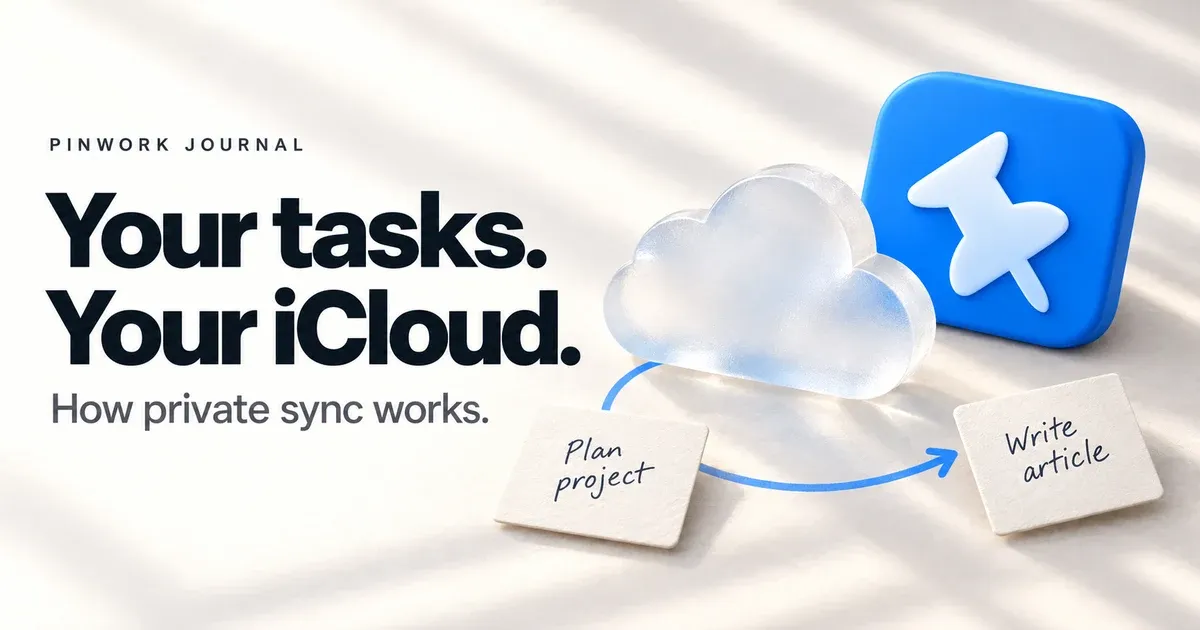
Where do your tasks go? How private iCloud sync works in Pinwork
Pinwork stores tasks locally and syncs them through your private iCloud without a separate Pinwork task server. Here is what that means.
-
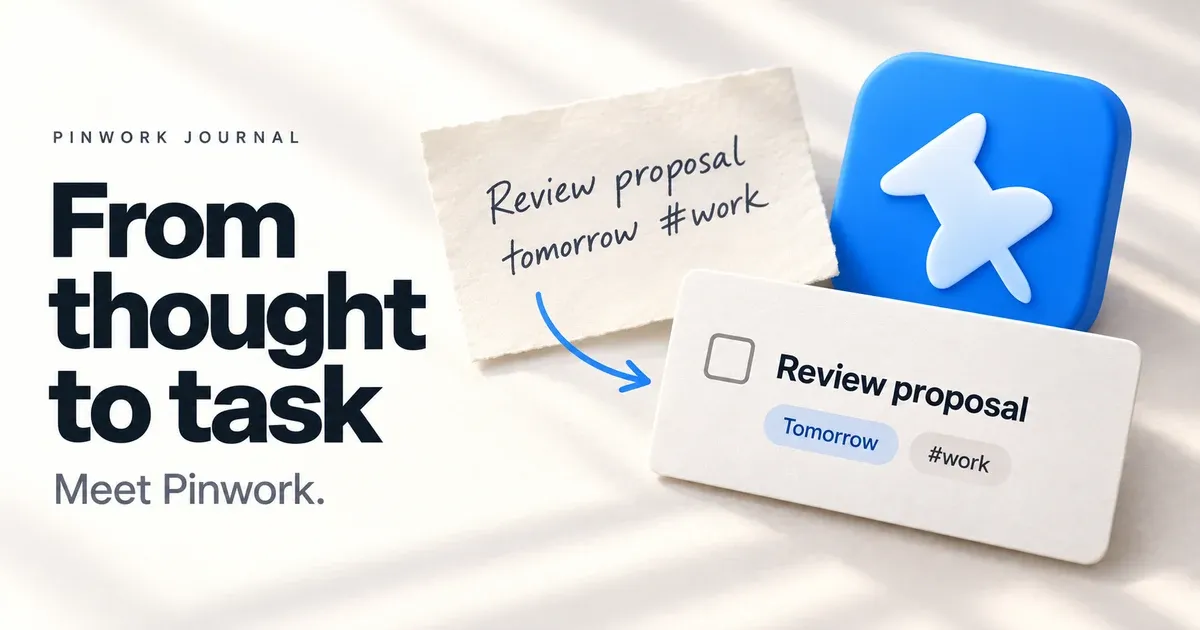
What is Pinwork? A private, native to-do app built for fast capture
Pinwork can turn one typed sentence into a scheduled task, keeps your list private in your own iCloud, and runs natively on supported Apple devices.
-
Deadline vs. due date: where a When date fits
In most cases there is none: both name the final cutoff. The useful split is between that cutoff and the day you plan to do the work.