Press
Everything you need to write about Pinwork: a short description, verified facts, the icon and screenshots, and how to get a review copy. For anything else, please email support@pinwork.app.
In one paragraph
Pinwork is a native to-do app for iPhone, iPad, Mac, and Apple Watch, with one plan that covers every device. It is built into the Apple tools people already use: Shortcuts and Siri, widgets, Control Center, Focus, Spotlight, the Mac menu bar, and AppleScript, and it links tasks to Apple Calendar in both directions so planned work becomes calendar time. A task is added by typing one sentence, and Pinwork reads the date, time, recurrence, estimate, deadline, tags, and project from it. There is no Pinwork account and no analytics in the app: tasks stay on the device and sync through the user's own private iCloud database.
What is different about it
Native on every Apple device, one purchase. Pinwork is a native app on iPhone, iPad, Mac, and Apple Watch. The Mac version is a true macOS build, not a port. A monthly, yearly, or lifetime purchase unlocks all of them on the same Apple Account, with no separate price for the Mac.
Built into the system. Eleven Shortcuts actions, including a Focus Filter, interactive Home Screen and Lock Screen widgets, Control Center controls that also work on the Action Button, a focus Live Activity in the Dynamic Island, Spotlight search, the Share sheet, a Mac menu bar window, keyboard shortcuts, and twenty AppleScript commands. Raycast and Alfred work through the URL scheme.
Tasks become calendar time. Any scheduled task can create a linked Apple Calendar event, or Pinwork can add scheduled tasks to the calendar on its own. The When date sets the start, the estimate sets the length, a Deadline can become a calendar alert, and edits flow both ways. Calendar Peek shows the day's events next to the task list.
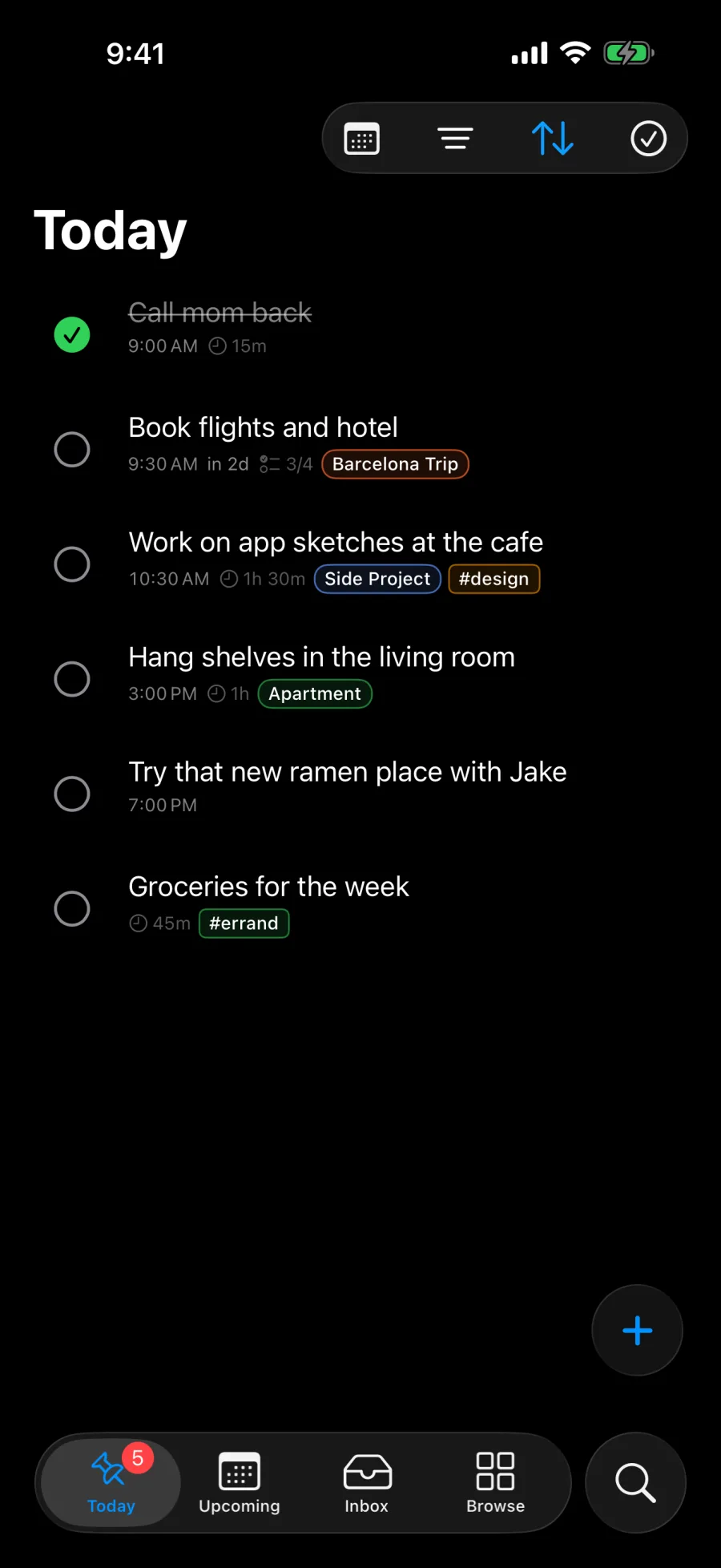
One sentence to capture. Type "Feed the dog every day at 7pm 15min, by Friday, add to calendar" and Pinwork sets the schedule, the time, the recurrence, the estimate, the Deadline, and the linked calendar event. Tags and a project go in the same line. Every task keeps its When date apart from its Deadline, so planning a day never hides the date that cannot move.
Private by design. There is no Pinwork account, no sign-up, and no analytics SDK in the app. Task data lives in the private CloudKit database of the user's own iCloud account, and Pinwork runs no servers for it. The only third-party code in the app handles App Store purchases.
Facts
- Name
- Pinwork
- Category
- Productivity
- Platforms
- iPhone, iPad, Mac (native macOS app), Apple Watch
- Requirements
- iOS 18 or later, macOS 26 or later, watchOS 10 or later. Widgets, Controls, and the Share extension need iOS 26 or later.
- Price
- USD 4.99 a month, USD 34.99 a year, or USD 79.99 once (lifetime). One purchase covers every device on the same Apple Account.
- Trial
- Seven days free on the monthly and yearly plans, managed through the App Store
- Languages
- English, French, German, Italian, Japanese, Portuguese (Brazil), Simplified Chinese, Spanish
- Released
- August 10, 2026
- Current version
- 1.0.4 (September 11, 2026)
- Developer
- Blanka Mordal, adapting.tech sp. z o.o.
- App Store
- https://apps.apple.com/app/id6760645497
Integrations
- Shortcuts and Siri
- Eleven App Intents, including Quick Add Task, Complete Task, Show Today, and a Focus Filter, with four ready-made App Shortcuts that also work with Siri.
- Widgets
- Home Screen sizes from small to extra large, Lock Screen widgets, and interactive complete and uncomplete actions.
- Controls
- Quick Add, Today, Inbox, and Upcoming in Control Center and on the Action Button.
- Live Activity
- Focus sessions in the Dynamic Island, with pause, resume, and end actions.
- Apple Calendar
- A linked event from any scheduled task, automatic calendar entries for scheduled tasks, Deadline alerts, two-way edits, and Calendar Peek beside the task list.
- Apple Reminders
- Import of selected lists on iPhone, iPad, and Mac. Each list becomes a project, a start date becomes When, and a due date becomes Deadline.
- Share sheet and Spotlight
- A Share extension, Spotlight indexing, and a pinwork:// URL scheme for adding, completing, deferring, and searching tasks.
- Mac
- A menu bar window, 39 keyboard shortcuts, and 20 AppleScript commands, usable from Raycast or Alfred.
- Apple Watch
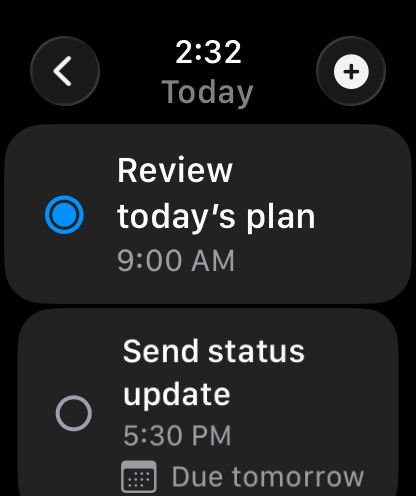
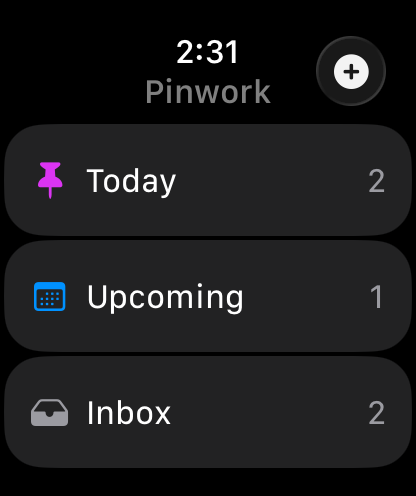
- A Watch app with circular, rectangular, inline, and corner complications.
- iPad
- Apple Pencil capture.
- Recurring tasks
- Stored as standard RRULE, with a preview of future occurrences instead of duplicate rows.
Assets
The icon and current screenshots, free to use in coverage of Pinwork. Please keep the icon as it is. Other views, devices, and languages are available on request.
Download all assets-
 App icon 1024 x 1024, PNG, transparent corners Download PNG
 -
 App icon, dark 1024 x 1024, PNG, transparent corners Download PNG
 -
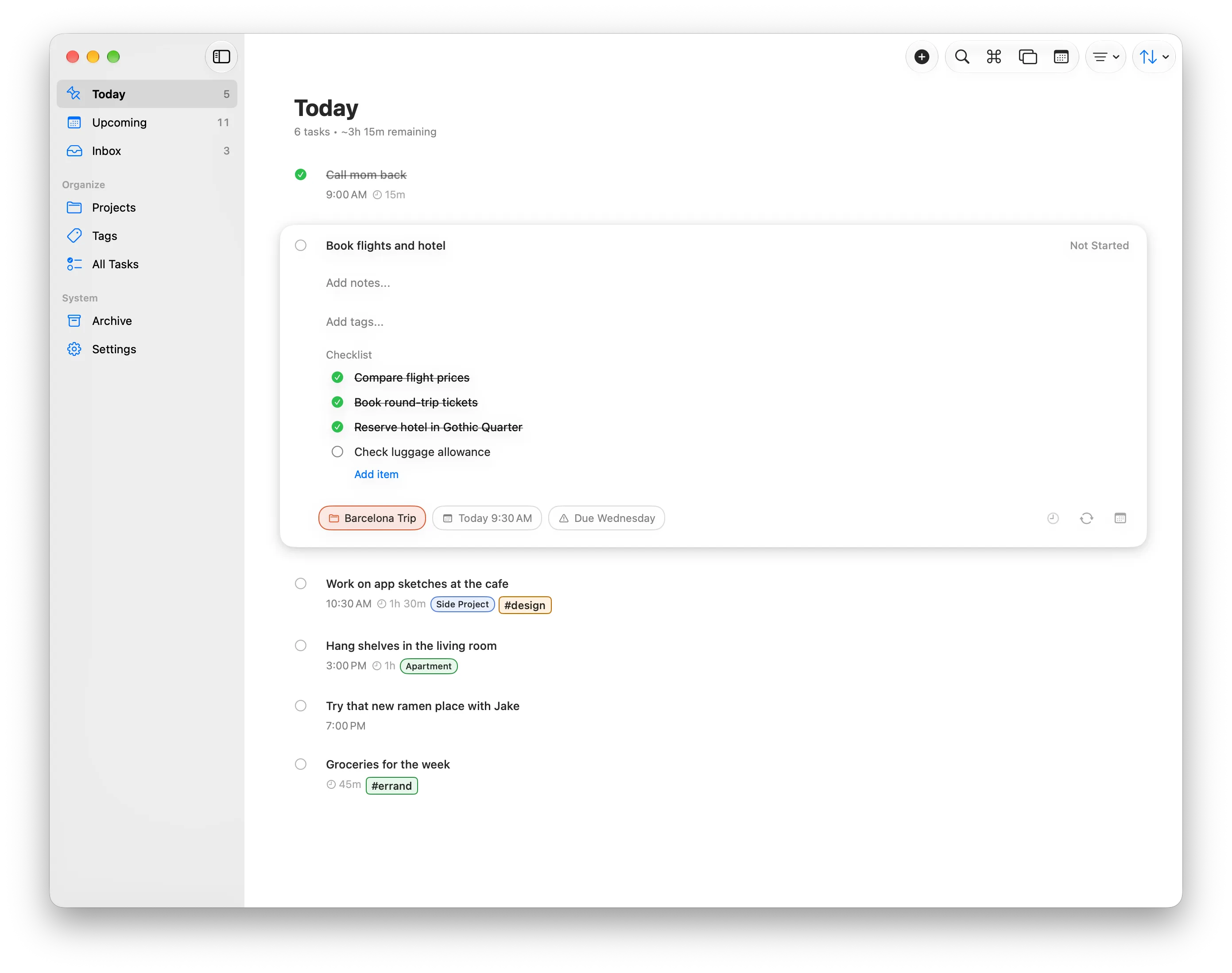
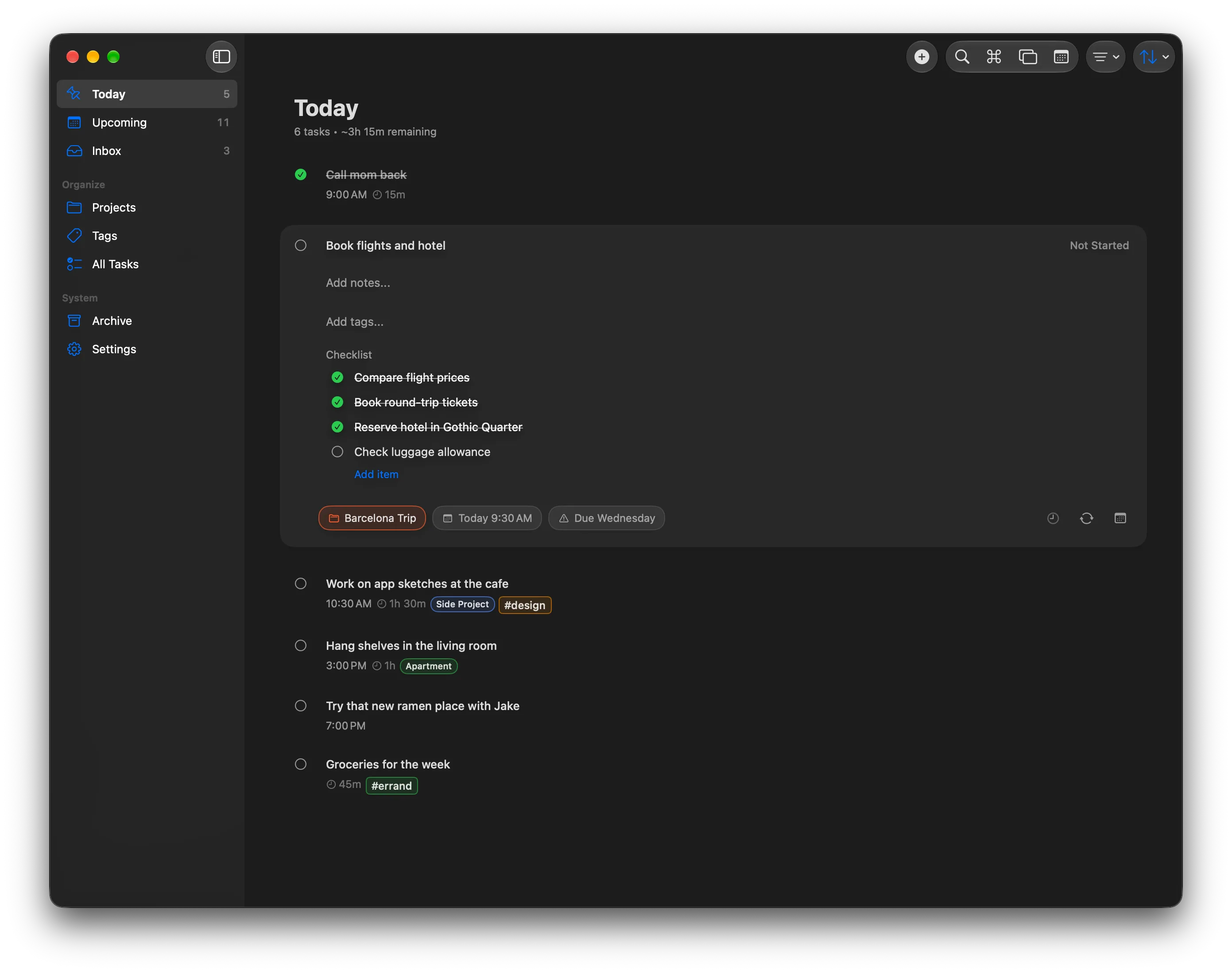
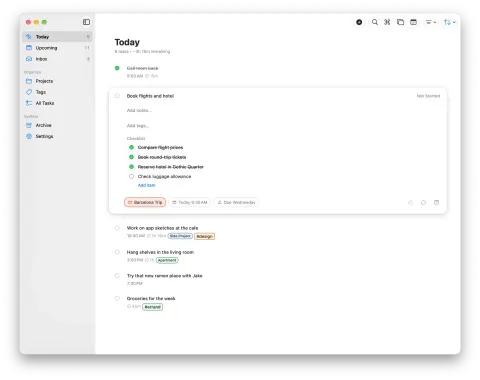 Today on Mac, light 2782 x 2198, PNG, window with shadow on transparent background Download PNG
 -
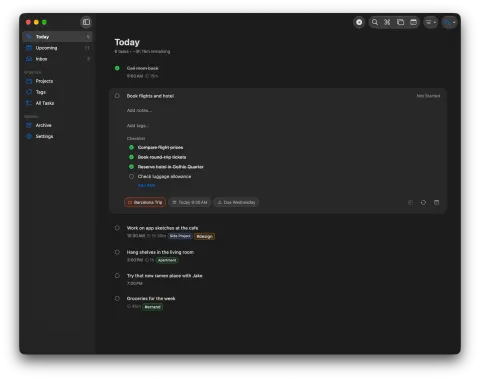 Today on Mac, dark 2782 x 2198, PNG, window with shadow on transparent background Download PNG
 -
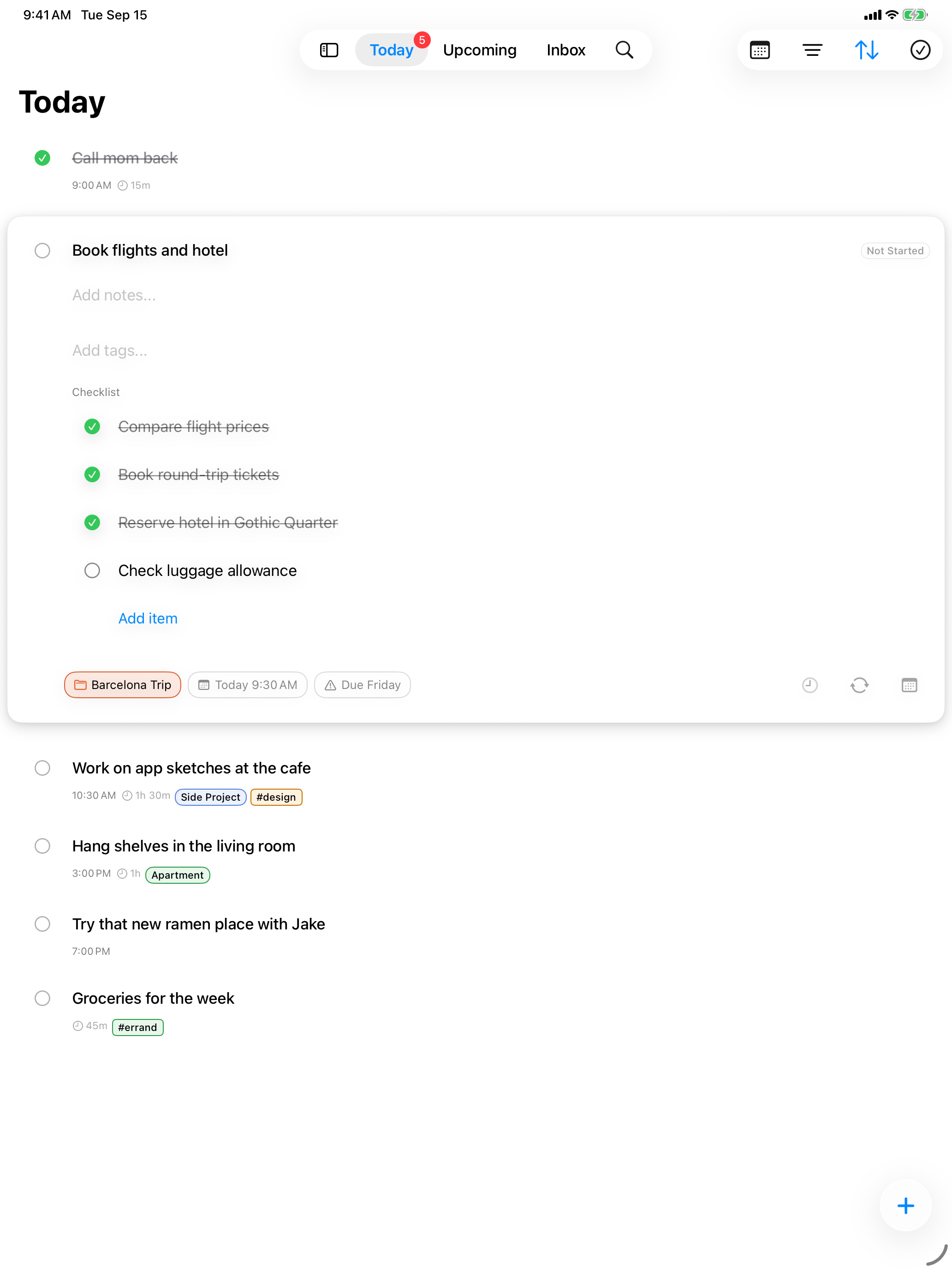
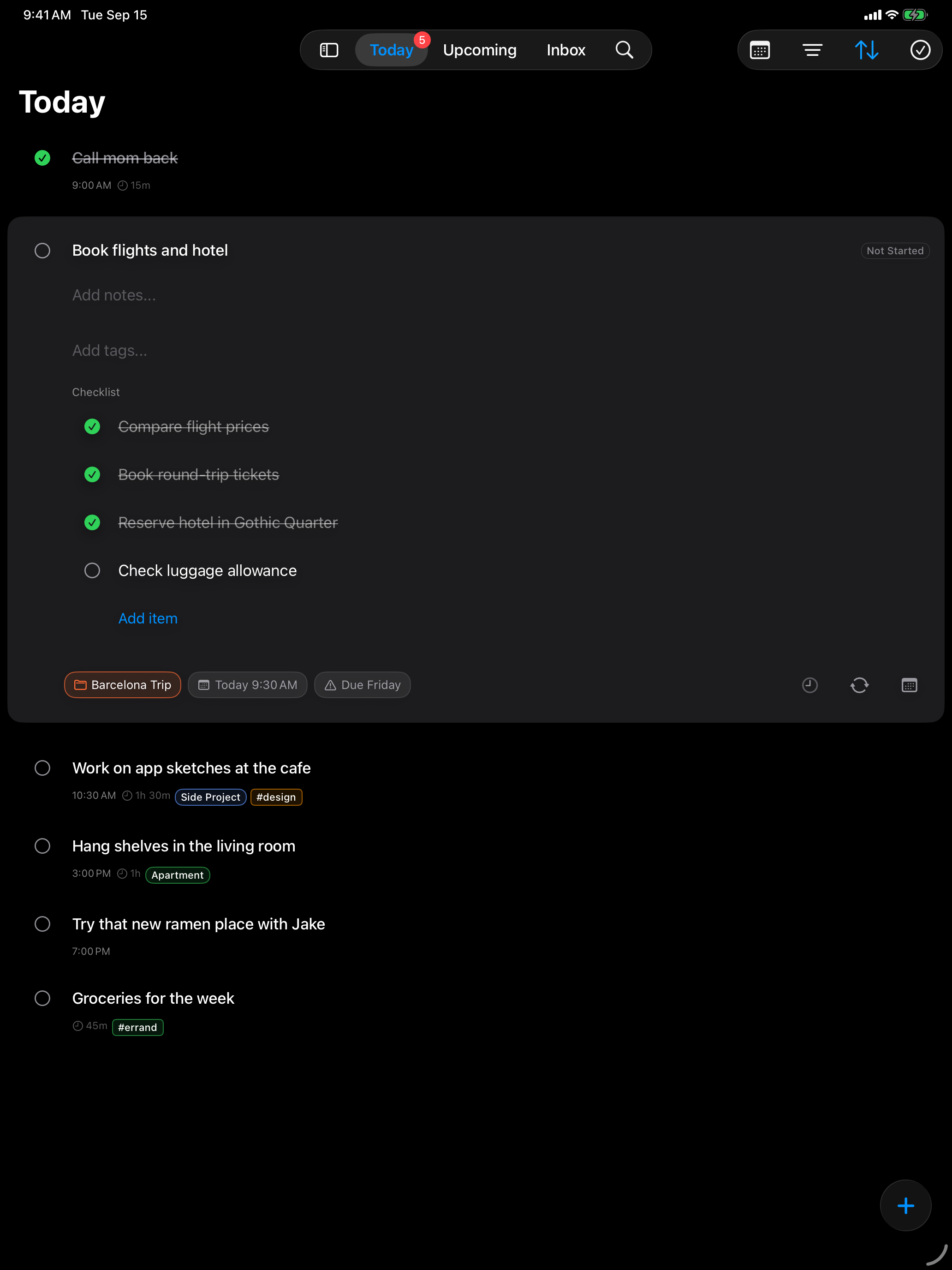
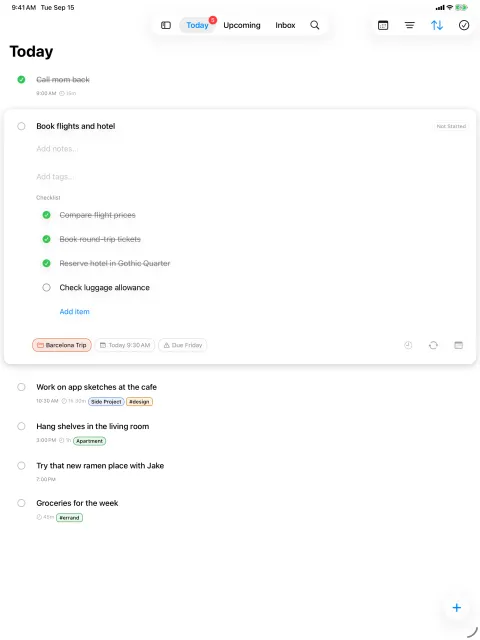 Today on iPad, light 2064 x 2752, PNG, unframed Download PNG
 -
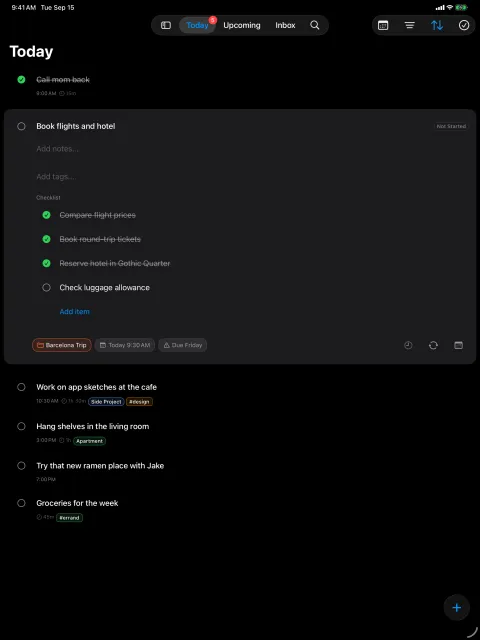 Today on iPad, dark 2064 x 2752, PNG, unframed Download PNG
 -
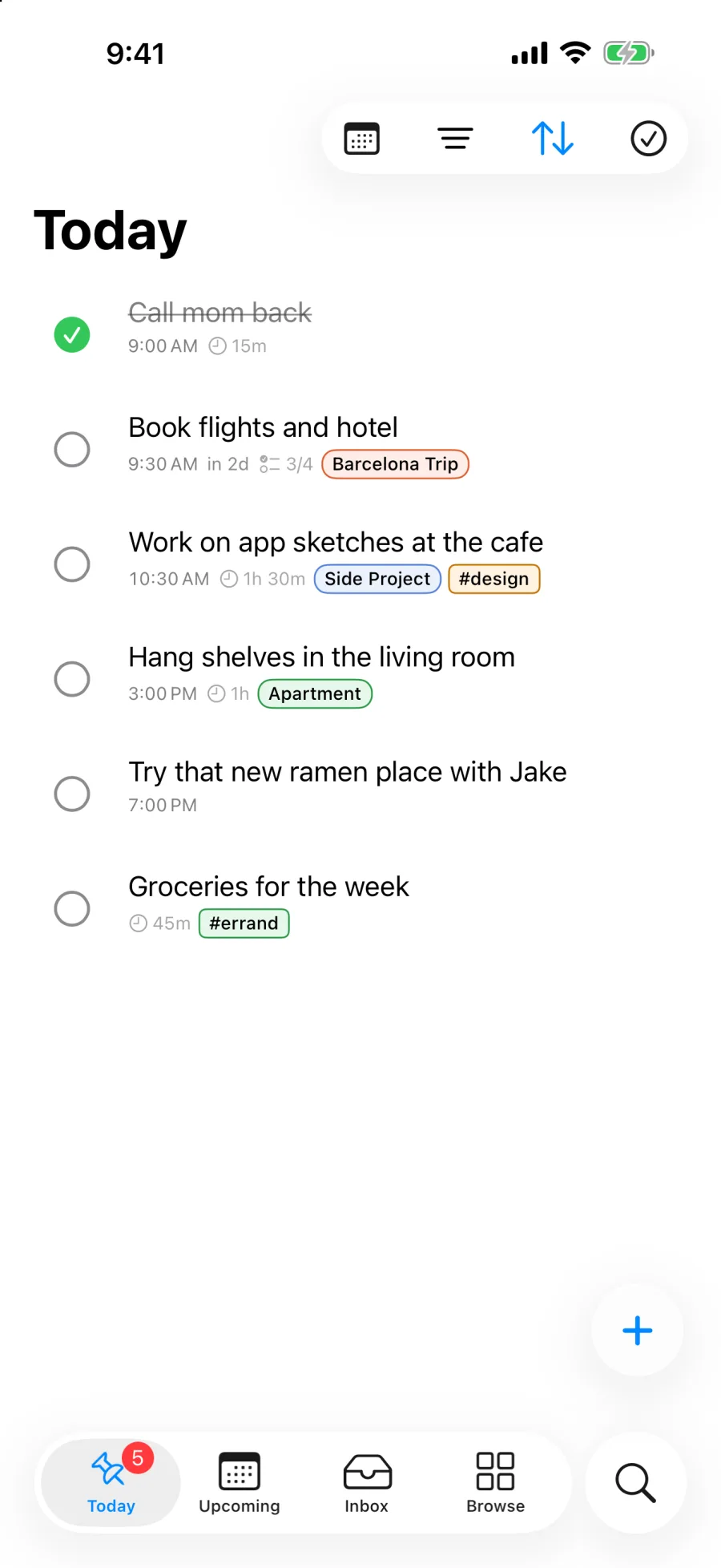
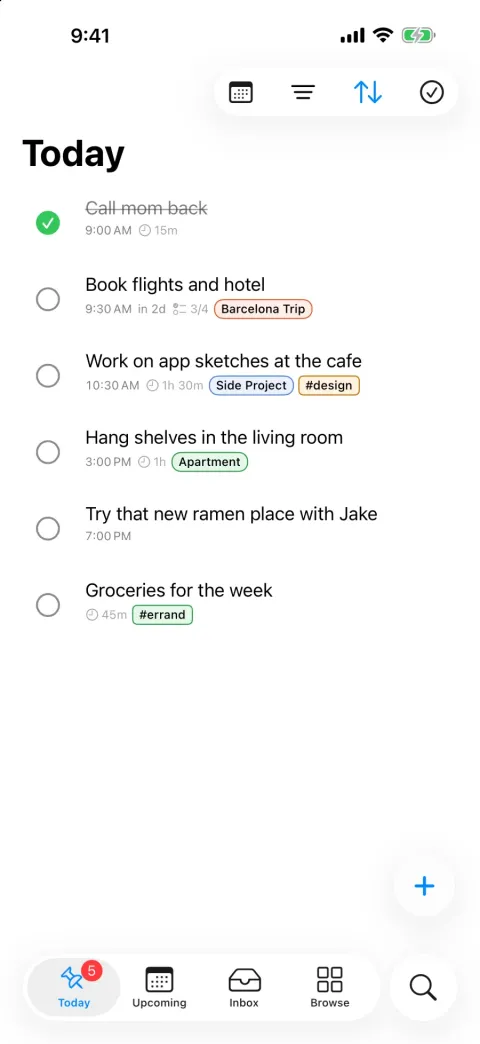 Today on iPhone, light 900 x 1956, PNG, unframed Download PNG
 -
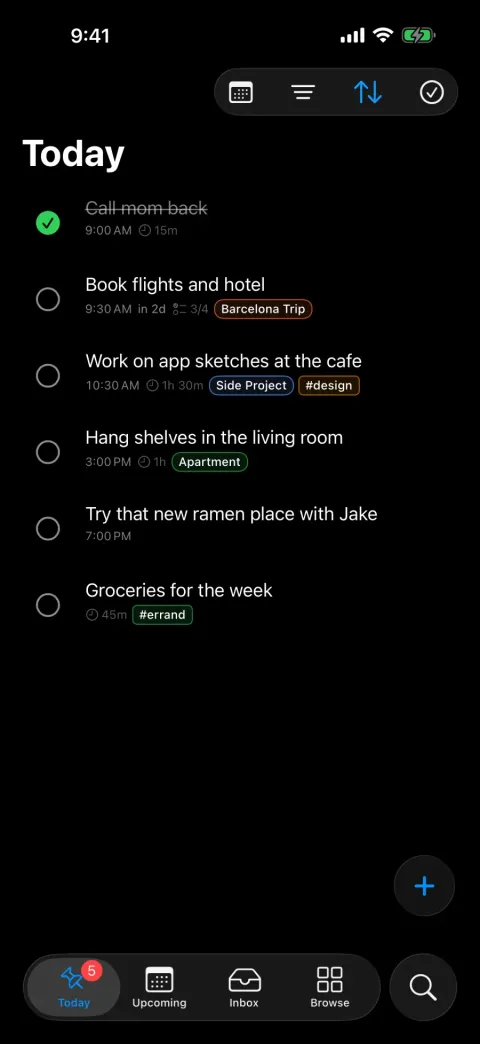 Today on iPhone, dark 900 x 1956, PNG, unframed Download PNG
 -
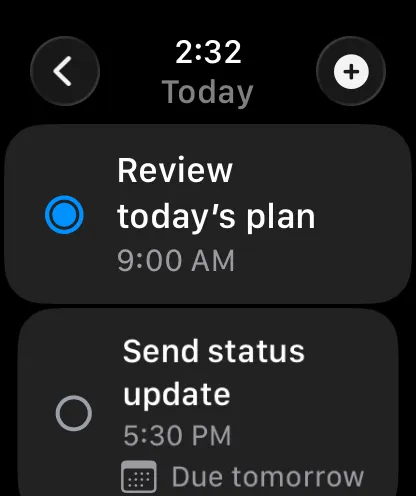 Today on Apple Watch 416 x 496, PNG, unframed, 46 mm Download PNG
 -
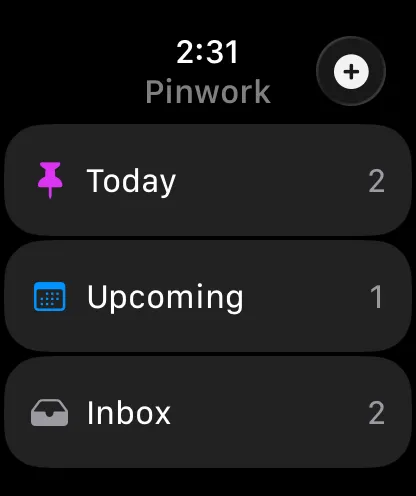 Home on Apple Watch 416 x 496, PNG, unframed, 46 mm Download PNG
Review copies
Promo codes for the App Store version are available to journalists and reviewers, and a TestFlight build can be arranged for upcoming releases. Please email support@pinwork.app and mention the outlet and the platform you would like to cover. We are happy to answer questions by email or walk through the app on a call. The App Store version includes a seven-day trial if you would rather start right away.