No. One Pinwork plan unlocks the supported iPhone, iPad, Mac, and Apple Watch apps when they use the same Apple Account for App Store purchases.
Subscribe monthly or yearly, or buy lifetime access on a supported device. You do not need a separate purchase for the others. The important detail is the Apple Account used for App Store purchases. A second device may need to restore the existing purchase before Pinwork can confirm access there.
Monthly, yearly, or lifetime
Pinwork offers monthly, yearly, and lifetime access. Monthly and yearly plans renew through Apple. Lifetime access has no subscription expiration. Exact availability and displayed prices come from the App Store through RevenueCat.
No matter which option you choose, the device does not rely on a separate Pinwork login. Apple handles the purchase and billing record. Pinwork uses RevenueCat to load App Store products and turn verified purchase evidence into Pro access. An active trial, active monthly or yearly plan, grace period, or lifetime purchase counts as Pro access.
If a monthly or yearly subscription is still set to renew, Pinwork blocks a Lifetime purchase to help prevent another subscription charge. Choose Manage Subscription, cancel renewal in Apple’s subscription management, return to Pinwork, and select Lifetime again. The current subscription remains active through its paid period.
The plans, trials, and lifetime access guide explains those states in more detail. The practical point for a multi-device setup is simpler: use the same Apple Account for App Store purchases on each supported device.
How access reaches another device
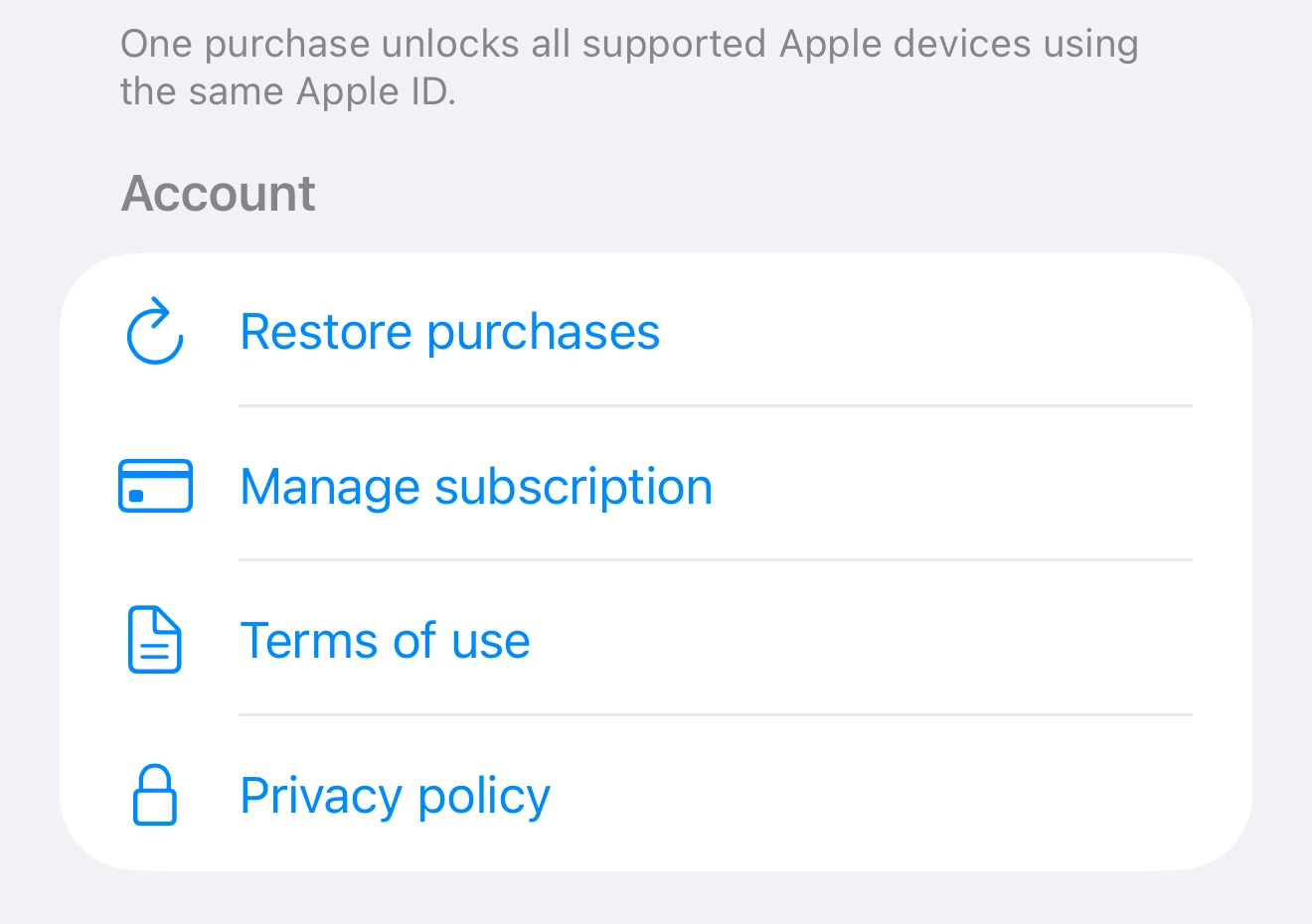
After installing Pinwork on a second iPhone, iPad, or Mac, first confirm that the App Store is using the Apple Account that originally obtained the plan. If access does not appear automatically, choose Restore Purchases from the Access screen in Settings.
Restore Purchases asks RevenueCat and the App Store to restore purchase history. Pinwork unlocks only when they return current Pinwork Pro evidence. This process can recover monthly, yearly, or lifetime access after a new installation or reinstall.
Restore checks the existing plan rather than starting a new purchase. It also does not create a Pinwork account. The full Restore Purchases guide covers both places where the action appears and what each result means.
Apple Watch is the special case. Purchase and restore actions happen on iPhone, iPad, or Mac, not directly on the Watch. The Watch receives its access state from the companion iPhone, so opening Pinwork on the iPhone and keeping both devices nearby can help the updated state arrive.
Purchase restoration and task sync are different systems
Purchase restoration answers one question: does the App Store account on this device have active Pinwork access? RevenueCat and the App Store check purchase evidence for the Apple Account used for App Store purchases. Restoration does not copy tasks or move task data between Apple Accounts.
iCloud task sync answers a different question: which task data should appear on this device? That mechanism uses the iCloud account for sync, independently of the App Store purchase check. The Apple Account used for App Store purchases can therefore differ from the iCloud account used for task sync.
This distinction explains a common confusing state. Tasks may be present because iCloud sync is working, while editing remains locked because active Pinwork Pro evidence has not been confirmed. The reverse can also happen: restored purchase access does not by itself move task data from another iCloud account.
If the second device does not unlock
Start with the Apple Account used for App Store purchases, then try Restore Purchases. If the App Store and RevenueCat do not return active Pinwork Pro access, check whether the plan is expired, in billing retry, pending approval, refunded, or revoked. A temporary App Store, RevenueCat, or network problem can also interrupt restoration.
A grace period still counts as Pro access. Billing retry, expired, or revoked states can instead put Pinwork into read-only recovery. Tasks remain visible, but changes are blocked until access is restored.
Keep this check focused on purchase ownership and status. Repeatedly changing iCloud sync settings will not make restoration find a purchase attached to a different Apple Account. The purchase troubleshooting guide provides the short recovery sequence and the details to collect if active access still does not appear.
For the broader relationship between device access and task storage, continue with where Pinwork tasks go.