Adding a task is the easy part.
Pinwork doesn't make you choose a system or work through a page of settings first.
Choose how you organize your tasks.
Whether you keep a simple list, follow GTD, or plan in time blocks, Pinwork can work that way too.
Works with the Apple tools you already use
Add tasks from the keyboard, by voice, or with Apple Pencil.
Natural Language
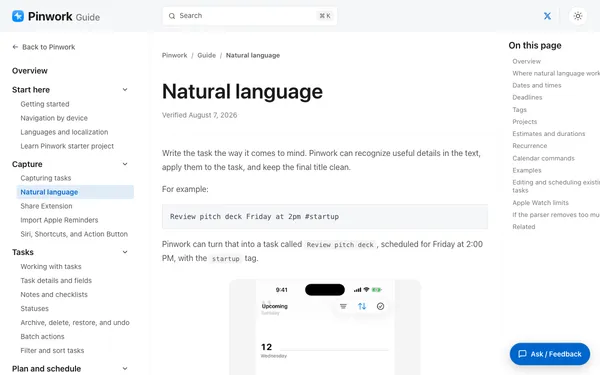
Write a task in plain language and Pinwork fills in the details.
Apple Pencil
Write a task with Apple Pencil and Pinwork turns it into text.
Action Button
Press the Action Button to add a task.
Automation
Use Pinwork from Shortcuts, AppleScript, or a deep link.
Dictation
Add a task by dictating it.
Quick Capture
Use the keyboard shortcut to add a task without switching windows.
Calendar
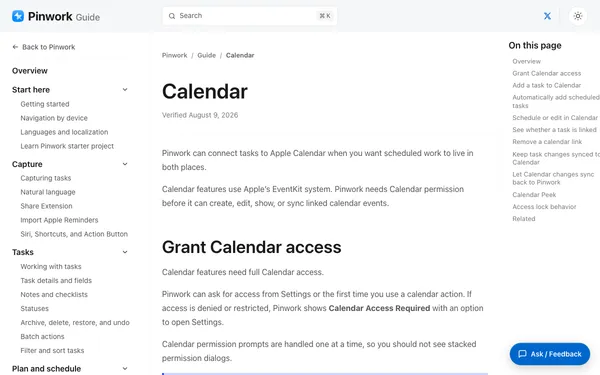
Say “add to calendar” with a date and time, and Pinwork creates the event.
Pinwork opens to Today.
The tasks you planned and anything overdue, in one place.
Private by default.
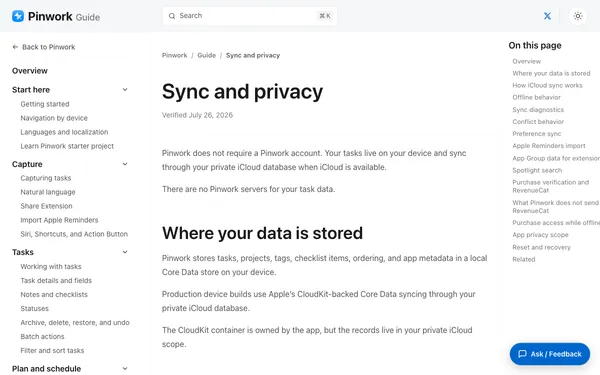
Your tasks stay on your devices and in your private iCloud database. We never see, store, or sell them.
Compare
How Pinwork compares.
Five to-do apps for Apple devices, feature by feature.
Run your own numbers or read the full comparisons with Things 3, Todoist, and TickTick.
Start free
Choose your plan.
$2.92/month equivalent. Free 7-day trial, managed through the App Store.
Prefer to pay once? See how lifetime compares with other apps.
All Apple devices
Common questions
Looking for step-by-step help? Browse the full guide.

