Your to-do list shouldn't
take over your day.

Adding a task is the easy part.

Pinwork doesn't make you choose a system or work through a page of settings first.

Choose how you organize your tasks.

Whether you keep a simple list, follow GTD, or plan in time blocks, Pinwork can work that way too.

Pinwork
Finish side project
Review pitch deck
Start the blog
Cancel free trial
Order the new monitor
In Progress
Waiting
Someday / Maybe
↻ Daily
9 AM10 AM11 AM12 PM1 PM
Team standup9 – 10 AM
Deep work10:15 AM – 12:45 PM
Lunch with Sarah1 – 2 PM
Send to Calendar
↻ Repeat: Daily

Works with the Apple tools you already use

Add tasks from the keyboard, by voice, or with Apple Pencil.

5:00 PM Not Started
Notes
# urgent
Product Fri 5:00 PM Weekly

Natural Language

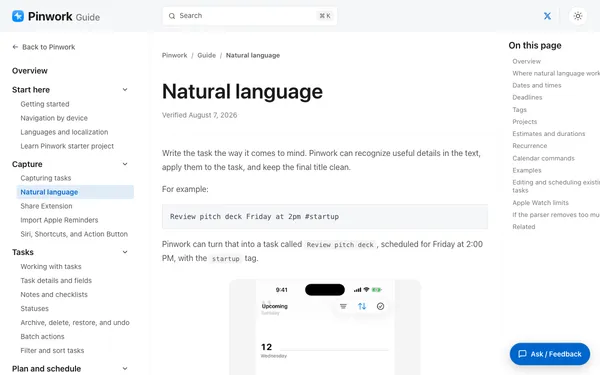
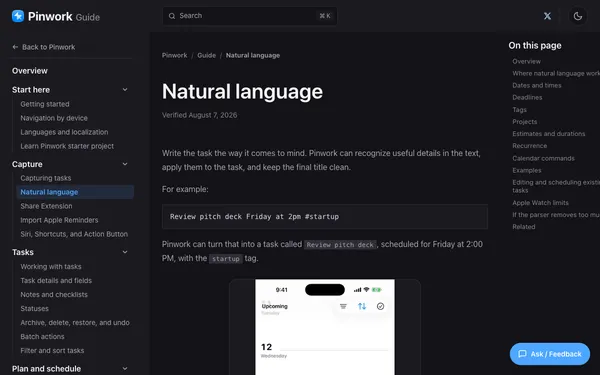
Write a task in plain language and Pinwork fills in the details.

Sketch the logo for the app
#design

Apple Pencil

Write a task with Apple Pencil and Pinwork turns it into text.

Action Button
What would you like to do?
Title
Cancel Done
Added "Get Mom a birthday gift" to Pinwork
Done

Action Button

Press the Action Button to add a task.

Terminal
$
Ship the release

Automation

Use Pinwork from Shortcuts, AppleScript, or a deep link.

Dictation

Add a task by dictating it.

+ N
or Ctrl + ⌥ + Space

Quick Capture

Use the keyboard shortcut to add a task without switching windows.

Today
2/7+
Prep for the demo
Ship the v2 update
Book dinner for Friday
2of 7
29% complete 5 remaining

Widgets

See today's tasks without opening Pinwork.

Tomorrow 5 – 6 PM
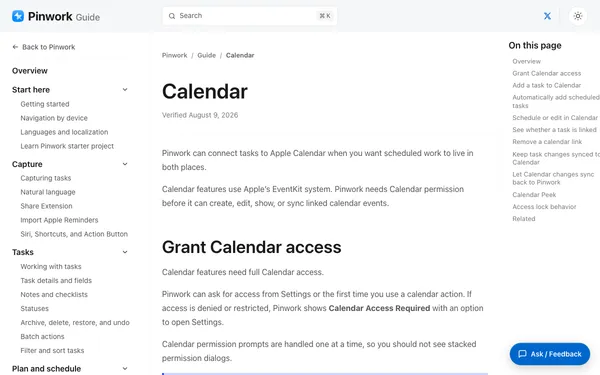
Calendar
4 PM 5 PMDentist 6 PM
Task created & synced to Calendar

Calendar

Say “add to calendar” with a date and time, and Pinwork creates the event.

See what needs your attention today.

Pinwork opens to Today, with the tasks you planned and anything overdue in one place.

Private by default.

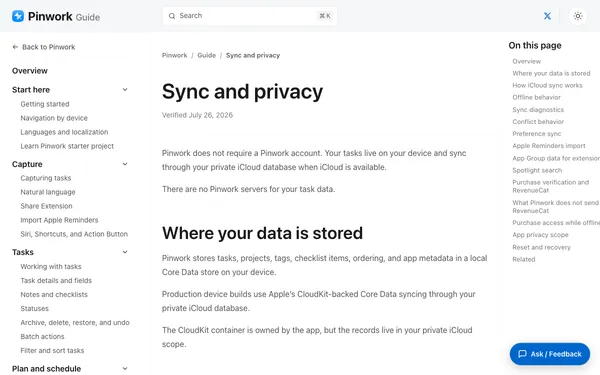
Your tasks stay on your devices and in your private iCloud database. We never see, store, or sell them.

No task servers Zero tracking iCloud encrypted Task content stays yours

Start free

Choose your plan.

$79.99

One-time purchase. All your Apple devices.

All Apple devices

Common questions

Monthly is $4.99 and Yearly is $34.99, both with a 7-day free trial. Prefer to pay once? Lifetime is $79.99, one purchase for iPhone, iPad, Mac, and Apple Watch. Everything is managed through the App Store.

Yes. Your tasks are stored locally, so you can keep using Pinwork without a connection. iCloud sync resumes when available.

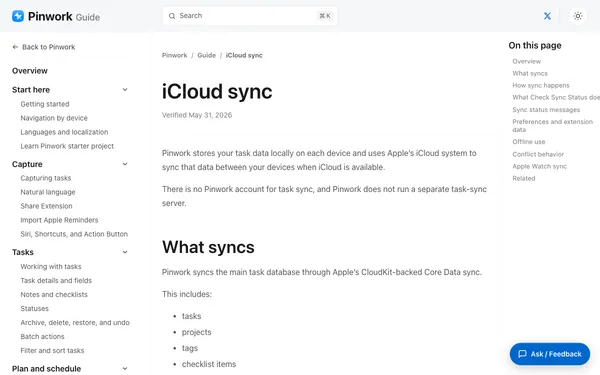
Pinwork syncs through your private iCloud when iCloud is available. Use the same Apple ID on each device; there is no separate Pinwork account.

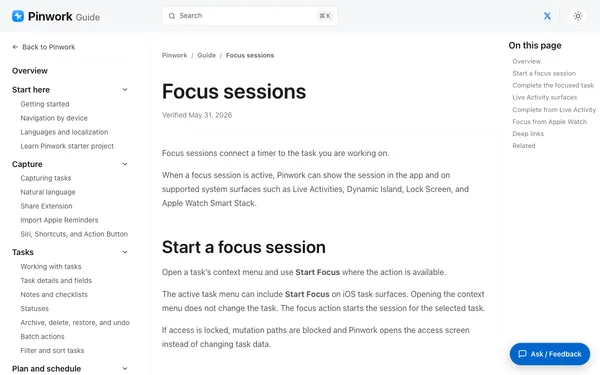
Yes. You can view and update tasks or add a new one from your wrist. If a focus session is running on iPhone, the Watch app can control it.

Yes. Pinwork supports AppleScript, Siri Shortcuts, and deep links. Those links also work from tools such as Raycast or Alfred.

No. Pinwork does not have its own account system. Use the same Apple ID on each device if you want iCloud sync.

Looking for step-by-step help? Browse the full guide.

Easy to pick up and use.

Pinwork keeps your data private and works offline.